Practical driveway planning
Driveway Area & Gravel Calculator
Calculate driveway area and an optional gravel volume from your own measurements. Keep a clear quantity summary for planning your Sudbury driveway project.
Your property. Your parking. Your next step.
Measure separate rectangles
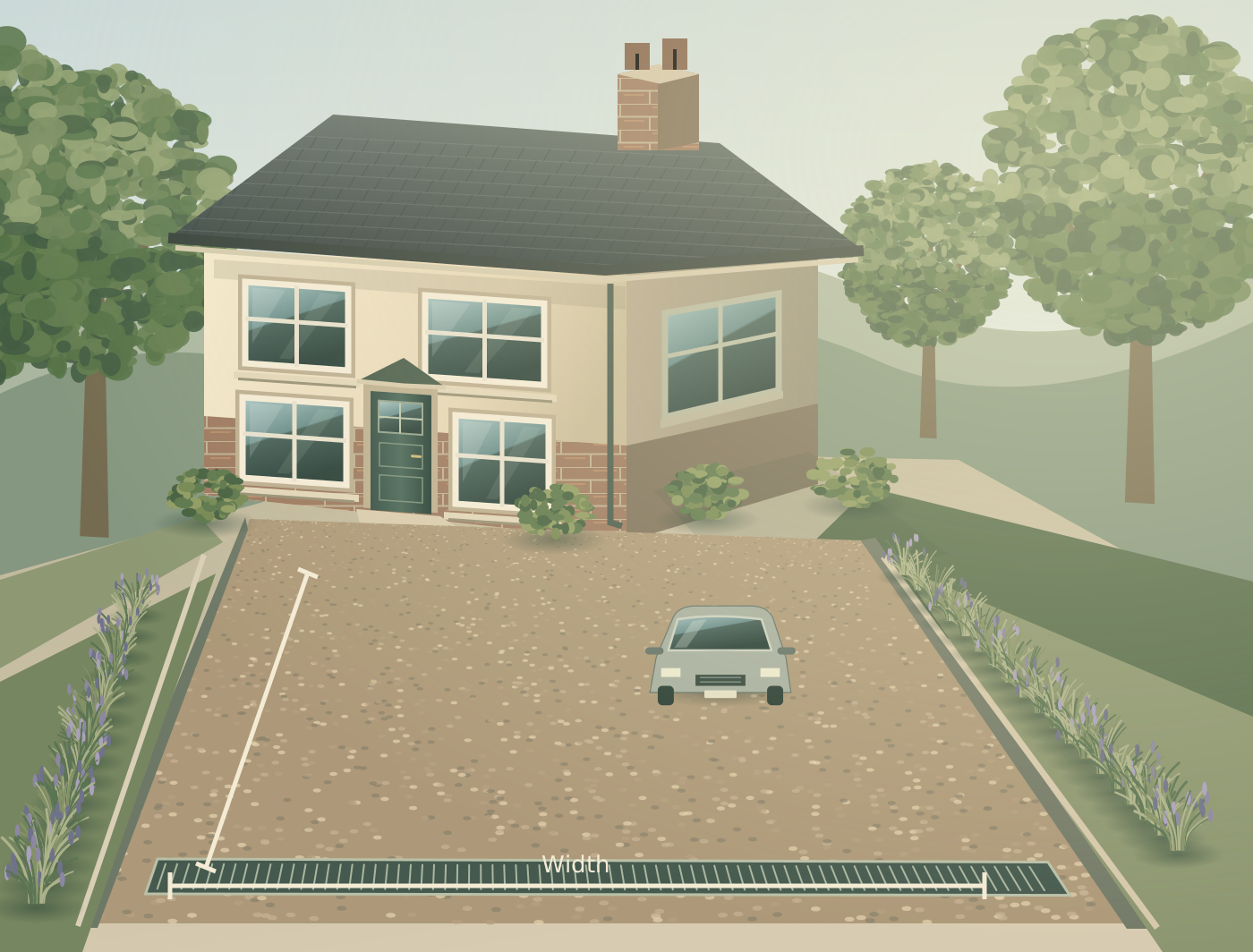
Split an irregular driveway into up to three non-overlapping rectangles. Measure length and width in metres, then enter any total area to exclude, such as a planting bed. Do not count the same patch twice. Curves, triangles and steep slopes need a more suitable measurement method.
Understand the volume
Area is length multiplied by width, less excluded area. Gravel volume is net area multiplied by your depth in metres. Any allowance is added to that volume. This is geometry only: it does not choose a laying depth or account automatically for compaction, settlement or material density.
Confirm before ordering
Check the intended depth and product coverage with the supplier or installer. Bag coverage and bulk density vary, so the tool does not convert cubic metres into tonnes or bags. It also excludes sub-base, excavation, drainage and edging quantities. Recheck measurements on site before ordering.
A few useful answers
Questions about this calculator
What depth should I enter?
Enter a depth specified for your chosen gravel and use. The calculator deliberately has no suggested depth; it cannot assess vehicle loading or construction.
Does the allowance include compaction?
Not automatically. The optional percentage is your own additional volume allowance. Confirm any compaction or settlement adjustment with the supplier before entering it.
Can I calculate paving quantities?
You can use the net area as a starting point, but this tool does not calculate paving units, cuts, bedding or jointing materials.